Cheap WordPress Hosting: 10 Affordable Options That Don’t Sacrifice Quality
- February 27, 2025
- Zakaria Babu
- Beginners Guide
- 1
Let’s be real—starting a website shouldn’t cost you an arm and a leg. I’ve been there, staring at hosting prices wondering if I need to take out a loan just to get my blog off the ground. Good news: you don’t have to empty your wallet to get reliable WordPress hosting.
Think of cheap WordPress hosting like finding that perfect apartment that’s actually in your budget—it might not have a doorman and heated floors, but it keeps you warm, safe, and doesn’t collapse during a mild breeze. That’s what we’re after here.
In this guide, I’ll walk you through everything you need to know about affordable WordPress hosting options that won’t let you down. Because let’s face it—”cheap” shouldn’t mean “terrible.”
Table of Contents
What Exactly Is Cheap WordPress Hosting?
Before diving into options, let's get clear on what we're talking about. Cheap WordPress hosting typically means web hosting services specifically optimized for WordPress sites that cost less than $10/month when paid annually. These services provide the essential infrastructure your WordPress site needs without the premium price tag.
Think of it as the difference between a Honda and a Mercedes—both will get you where you need to go, but one costs significantly less and still provides reliable transportation.
The key here is finding the sweet spot where affordability meets acceptable performance. You want hosting that loads your pages quickly enough, stays online reliably, and doesn't frustrate visitors—all without breaking the bank.
How to Choose the Best Budget WordPress Hosting
I've learned the hard way that not all cheap hosting is created equal. Here's what matters most when you're shopping on a budget:
Reliability is non-negotiable. Even budget hosting should maintain at least 99.9% uptime. Your website going offline regularly is the quickest way to lose visitors (and credibility).
Speed matters more than you think. Budget hosting might not deliver lightning-fast load times, but it shouldn't feel like you're back in the dial-up era either. Look for hosts that use SSD storage and have decent server response times.
Support can save your sanity. When (not if) something goes wrong, having access to knowledgeable support staff can be the difference between a minor hiccup and a full-blown crisis. Check if they offer 24/7 support.
Room to grow is essential. The hosting plan that works for you today might not cut it in six months. Make sure your chosen provider offers easy upgrade paths as your site grows.
Now, let's get to the good stuff—actual hosting providers that deliver solid performance without emptying your bank account.
10 Best Cheap WordPress Hosting Providers in 2025
1. Bluehost: Best Overall Budget Option
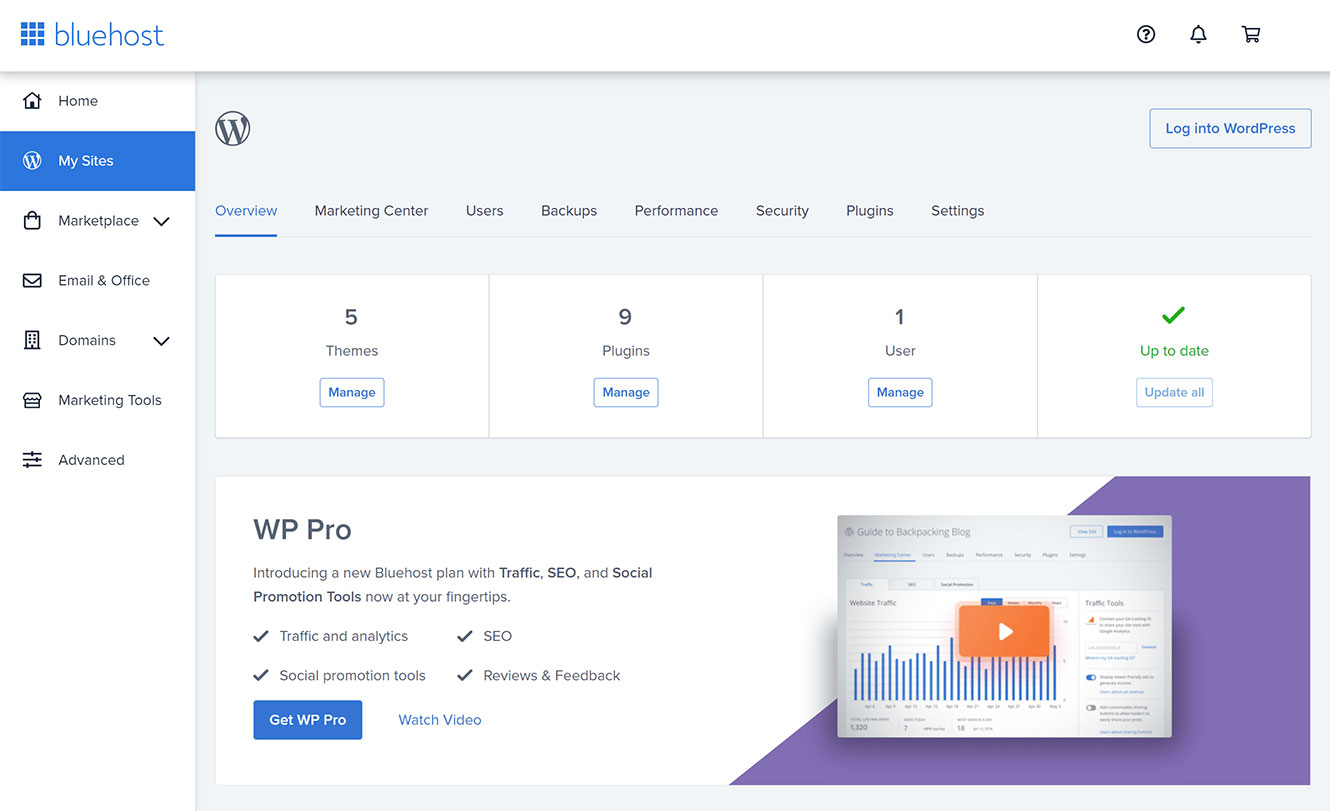
Starting Price: $2.95/month (with annual plan)
Bluehost earns the top spot for a reason. It's officially recommended by WordPress.org and strikes an impressive balance between affordability and functionality.
Why I like it: The one-click WordPress installation is genuinely easy, even for complete beginners. Plus, you get a free domain name for the first year, which saves you about $15 right off the bat.
What could be better: Renewal rates jump significantly after the promotional period ends. Be prepared for that increase when budgeting long-term.
Perfect for: First-time website owners who want a straightforward setup process and reliable performance.
2. HostGator: Best for Multiple Websites
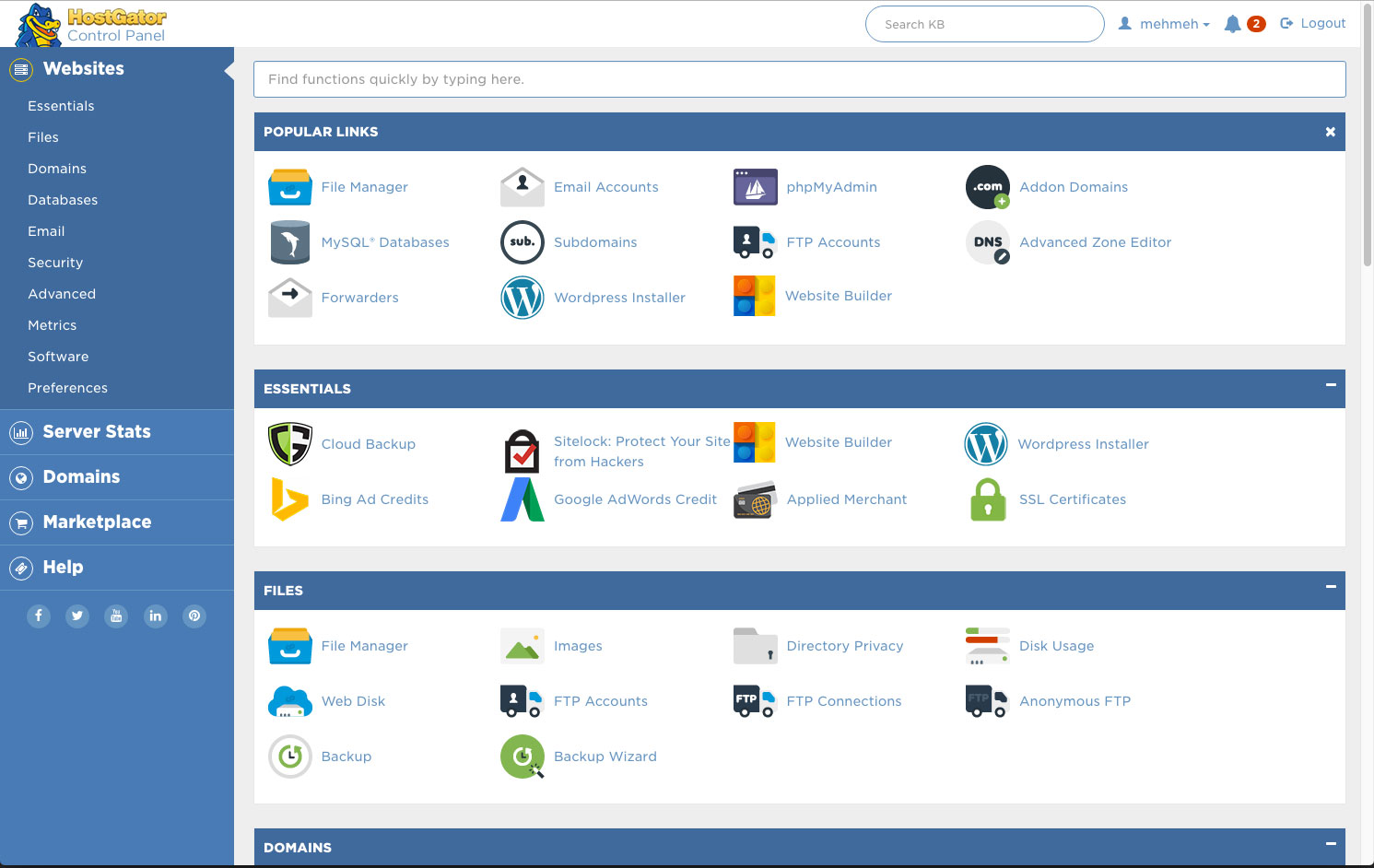
Starting Price: $2.75/month (with annual plan)
HostGator‘s Hatchling plan is an excellent entry point, but their Baby plan deserves special attention if you're running multiple sites.
Why I like it: Unlimited websites on their Baby plan means you can host all your projects under one affordable roof. Their 45-day money-back guarantee also gives you plenty of time to test the waters.
What could be better: Their basic plan doesn't include a free domain, so factor that additional cost into your budget.
Perfect for: Entrepreneurs or hobbyists managing multiple small websites who need flexibility without complexity.
3. DreamHost: Best for Long-Term Affordability
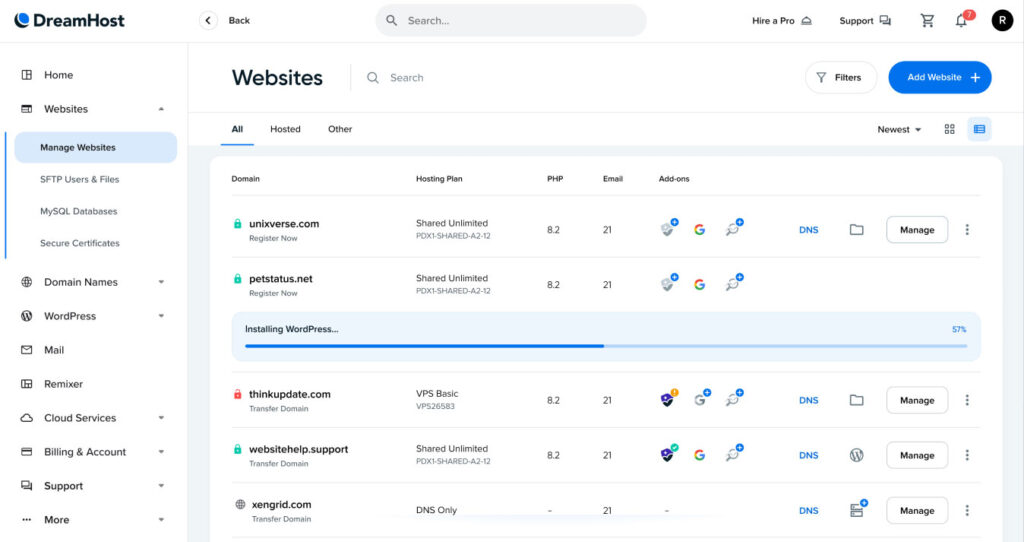
Starting Price: $2.59/month (with annual plan)
DreamHost stands out with some of the most transparent pricing in the industry and less aggressive renewal increases.
Why I like it: Their commitment to privacy and open-source values translates to genuinely customer-friendly policies. Plus, their 97-day money-back guarantee is the longest in the industry.
What could be better: Their custom control panel takes some getting used to if you're familiar with cPanel.
Perfect for: Budget-conscious users planning for the long haul who appreciate straightforward pricing.
4. Namecheap: Best Ultra-Budget Option
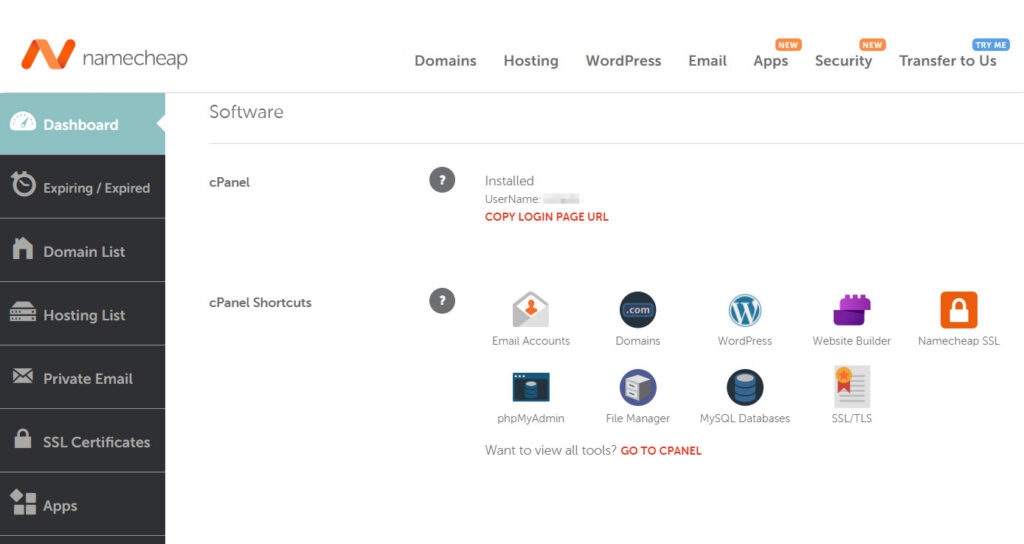
Starting Price: $1.44/month (with annual plan)
If squeezing every penny counts, Namecheap delivers surprisingly decent hosting at rock-bottom prices.
Why I like it: Beyond the extremely competitive pricing, they include a free domain and WhoisGuard privacy protection. Their renewal rates also remain reasonable.
What could be better: Support response times can be slower than other providers, especially during peak hours.
Perfect for: Ultra-budget projects, personal blogs, or test sites where cost is the primary concern.
5. GreenGeeks: Best Eco-Friendly Budget Hosting
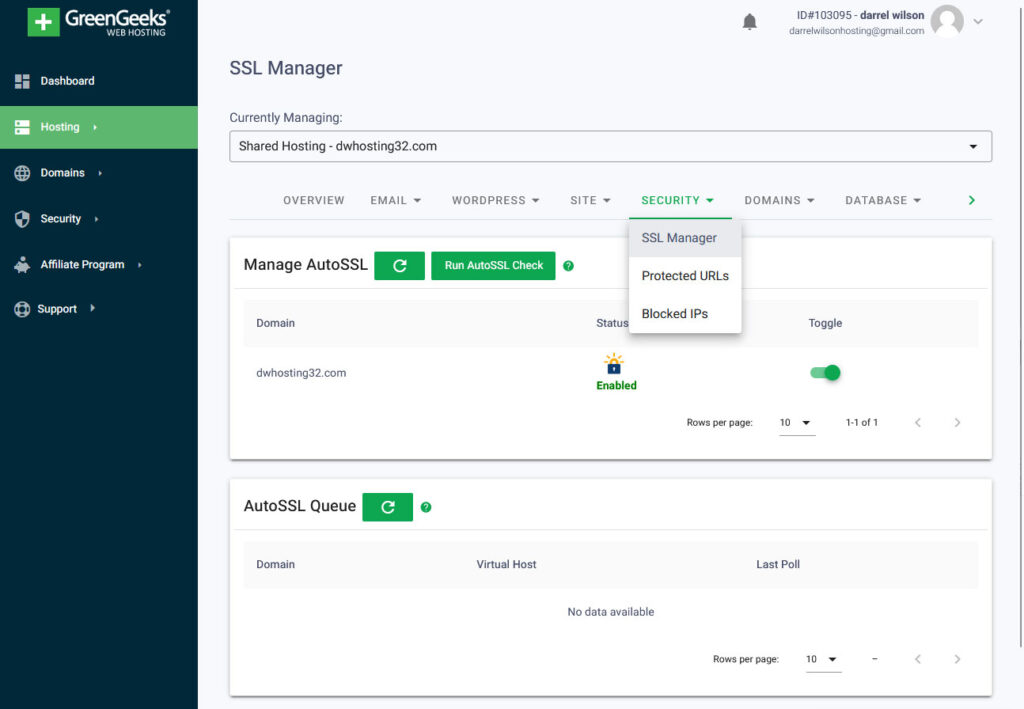
Starting Price: $2.95/month (with annual plan)
GreenGeeks proves you don't need to sacrifice environmental values for affordable hosting.
Why I like it: Their commitment to renewable energy (they're 300% carbon-offset) means your website isn't contributing to climate change. Performance is solid too, with NVMe SSD storage and built-in caching.
What could be better: Their entry-level plan limits you to one website, so multiple projects require an upgrade.
Perfect for: Environmentally-conscious website owners who don't want to compromise on either values or performance.
6. InMotion Hosting: Best for Small Business
Starting Price: $2.49/month (with annual plan)
InMotion‘s Launch plan offers more business-focused features than most budget hosts.
Why I like it: Their performance is notably better than many competitors in the same price range, and they include valuable tools like BoldGrid website builder at no extra cost.
What could be better: The best promotional rates require longer commitments (2-3 years).
Perfect for: Small business owners who need reliable performance but are still watching costs closely.
7. SiteGround: Best Customer Support

Starting Price: $3.99/month (with annual plan)
SiteGround‘s entry-level plan costs slightly more than others on this list, but their legendary support justifies the premium.
Why I like it: Their support team responds quickly and actually solves problems instead of reading from scripts. Their custom site tools also make WordPress management exceptionally easy.
What could be better: Renewal rates increase significantly, and storage limits are tighter than competitors.
Perfect for: Users who value excellent support and user-friendly tools over rock-bottom pricing.
8. MilesWeb: Best Value for Resources
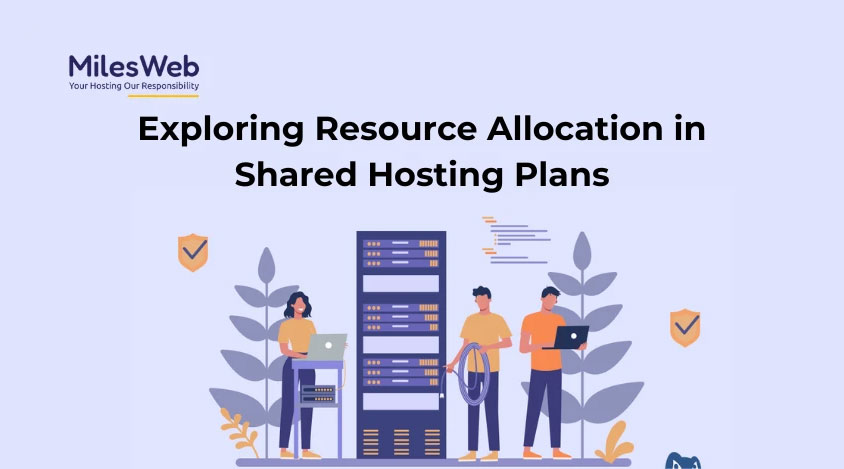
Starting Price: $1.95/month (with annual plan)
MilesWeb offers generous resource allocations at budget-friendly prices.
Why I like it: Their entry-level WordPress plans include more storage and bandwidth than you'd typically find at this price point, plus they throw in a free domain and SSL.
What could be better: They're less well-known than bigger brands, which means fewer third-party tutorials and resources.
Perfect for: Resource-intensive sites that need more storage and bandwidth without premium pricing.
9. UltaHost: Best for Beginners Needing Guidance
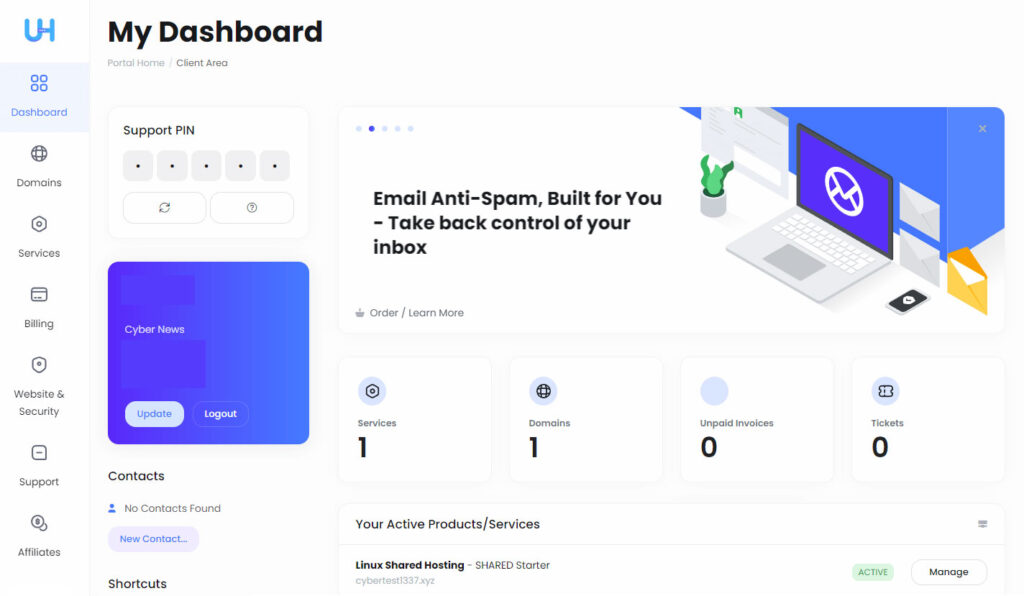
Starting Price: $2.99/month (with annual plan)
UltaHost excels at making WordPress hosting approachable for complete beginners.
Why I like it: Their step-by-step setup guides and WordPress-specific support help newcomers avoid common pitfalls. Free site migration is also genuinely helpful for those switching hosts.
What could be better: Server locations are more limited than larger providers, which could affect load times in some regions.
Perfect for: WordPress beginners who want extra guidance without paying premium prices for managed hosting.
10. HostPapa: Best for Small Business Support
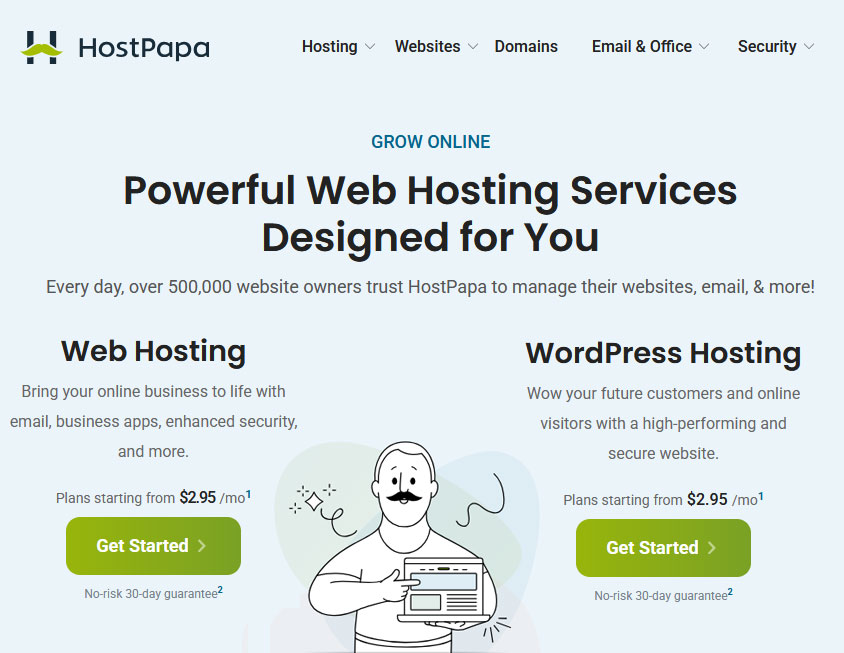
Starting Price: $2.95/month (with annual plan)
HostPapa offers personalized onboarding that's rare among budget hosts.
Why I like it: Their free one-on-one training session helps non-technical business owners get comfortable with their hosting environment—a unique offering at this price point.
What could be better: Their control panel can feel cluttered and overwhelming at first.
Perfect for: Small business owners who need a bit of hand-holding but don't want to pay for fully managed hosting.
Shared vs. Managed WordPress Hosting: Understanding the Difference
When shopping for cheap WordPress hosting, you'll encounter these two terms constantly. Here's what they actually mean for your wallet and website:
Shared WordPress Hosting:
- What it is: Your site shares server resources with dozens (sometimes hundreds) of other websites
- Typical cost: $3-7/month
- Pros: Significantly more affordable, usually includes essential features
- Cons: Slower performance, especially during traffic spikes; fewer WordPress-specific optimizations
Managed WordPress Hosting:
- What it is: Specialized hosting with WordPress-specific optimizations and more hands-on support
- Typical cost: $10-30/month (though budget options exist)
- Pros: Faster performance, automatic updates, better security, expert WordPress support
- Cons: Considerably more expensive, might restrict certain plugins
Most of the options I've listed above are shared hosting plans with some WordPress-specific features. This approach gives you the best balance of affordability and functionality when you're on a tight budget.
True managed WordPress hosting typically starts around $10/month with providers like Cloudways, which is worth considering if your site generates income and you can justify the additional expense.
Common Issues with Cheap WordPress Hosting (And How to Fix Them)
Let's be honest—budget hosting comes with compromises. Here are the most common issues you might face and how to address them:
1. Slow Loading Times
The problem: Budget hosting often means shared resources, which can slow down your site.
The solution: Install a caching plugin like WP Rocket or the free W3 Total Cache. Optimize your images using a tool like Smush, and keep your WordPress installation lean by removing unnecessary plugins.
2. Downtime During Traffic Spikes
The problem: Sudden traffic increases can overwhelm cheap hosting plans.
The solution: Use a free CDN like Cloudflare to distribute some of the load. If traffic spikes are regular, consider upgrading to a higher-tier plan with your current provider.
3. Limited Storage Space
The problem: Budget plans often cap your storage at 10-50GB.
The solution: Use an image optimization plugin, clean your database regularly with a tool like WP-Optimize, and consider offloading media files to cloud storage services if needed.
4. Security Vulnerabilities
The problem: Some budget hosts cut corners on security features.
The solution: Install a security plugin like Wordfence (free version works well), keep WordPress and all plugins updated, and implement strong password policies. Also, make regular backups with a tool like UpdraftPlus.
How to Save Even More on WordPress Hosting
Want to stretch your hosting budget even further? Here are some insider tips:
- Pay annually instead of monthly. Most hosts offer substantial discounts for annual commitments, often cutting the monthly equivalent cost by 30-50%.
- Look for seasonal promotions. Black Friday and Cyber Monday typically bring the best hosting deals of the year, with some providers offering up to 75% off.
- Skip the upsells during checkout. Additional services like priority support, enhanced security, and “SEO tools” rarely justify their cost for small sites.
- Use free plugins instead of premium host add-ons. Many hosts charge for services (like backup) that you can get through free WordPress plugins.
- Negotiate renewal rates. When your promotional period ends, contact customer service and ask about available discounts before paying the higher renewal rate.
Is Free WordPress Hosting Ever Worth Considering?
I get asked this question a lot, and my answer is usually straightforward: free WordPress hosting rarely makes sense for anything beyond testing or extremely temporary projects.
Here's why:
- Free hosts typically place ads on your site that you can't control
- Performance is usually significantly worse than even the cheapest paid options
- Security is often compromised, putting your content and visitors at risk
- Support is minimal or non-existent when problems arise
- Your site is at risk of being shut down if it consumes too many resources
If your budget is extremely tight, you're better off with a low-cost shared hosting plan from a reputable provider than going the free route. The peace of mind alone is worth the few dollars per month.
Best WordPress Themes for Budget Hosting
Your theme choice matters when you're on budget hosting. Lightweight, well-optimized themes help compensate for less powerful server resources. Here are five excellent options:
- Astra Theme – Incredibly lightweight (less than 50KB) with fast loading times even on budget hosting
- GeneratePress – Minimalist design that doesn't tax server resources
- Neve – Optimized for speed and works well even with limited hosting resources
- OceanWP – Versatile and relatively light compared to most feature-rich themes
- Twenty Twenty-One (Default WordPress theme) – Surprisingly optimized and works well on budget hosting
All of these themes offer free versions that work beautifully, with premium upgrades available if you need additional features down the road.
Essential Plugins for Budget WordPress Hosting
The right plugins can significantly improve performance even on cheaper hosting plans. Here are the must-haves:
- WP Rocket (paid) or W3 Total Cache (free) – Page caching dramatically improves load times
- Wordfence (free version) – Security protection that compensates for budget hosting limitations
- UpdraftPlus (free) – Automated backups protect your content even on less reliable hosting
- Smush (free) – Image optimization reduces server load and improves page speed
- Yoast SEO (free) – Helps with search visibility regardless of hosting quality
Comparing the Top 5 Cheap WordPress Hosting Options
Let's break down how the top options compare on key metrics:
| Provider | Starting Price | Free Domain | Storage | Sites Allowed | Money-Back Guarantee |
|---|---|---|---|---|---|
| Bluehost | $2.95/mo | Yes (1 year) | 50GB | 1 | 30 days |
| HostGator | $2.75/mo | No | Unmetered | 1 (Hatchling) | 45 days |
| DreamHost | $2.59/mo | Yes (1 year) | 50GB | 1 | 97 days |
| Namecheap | $1.44/mo | Yes (1 year) | 20GB | 3 | 30 days |
| GreenGeeks | $2.95/mo | Yes (1 year) | 50GB | 1 | 30 days |
FAQs About Cheap WordPress Hosting
Is cheap WordPress hosting reliable?
Yes, but with limitations. Budget hosting from reputable providers typically maintains 99.9% uptime, which is sufficient for most personal and small business sites. However, you may experience occasional slowdowns during traffic spikes and less robust security measures compared to premium options.
Can I use cheap WordPress hosting for e-commerce?
Absolutely, but proceed with caution. Budget hosting can support small e-commerce sites using WooCommerce or similar plugins, but ensure your host provides SSL certificates (essential for online payments) and PCI compliance. As your store grows and processes more transactions, you'll likely need to upgrade to a more robust hosting solution.
How do I ensure security with cheap WordPress hosting?
Compensate for potential security limitations by:
– Installing a security plugin like Wordfence
– Keeping WordPress core, themes, and plugins updated
– Using strong, unique passwords
– Implementing two-factor authentication
– Making regular backups with a tool like UpdraftPlus
– Limiting login attempts to prevent brute force attacks
Can I upgrade from cheap WordPress hosting to a better plan?
Yes, all reputable hosting providers offer upgrade paths as your site grows. Most allow seamless transitions to higher-tier shared plans or even managed WordPress hosting without downtime. This scalability makes starting with budget hosting a practical approach—you can always upgrade when justified by traffic or revenue.
What's the difference between shared and managed WordPress hosting?
Shared hosting places multiple websites on the same server, sharing resources like CPU and RAM. It's cheaper but offers less specialized support. Managed WordPress hosting provides WordPress-specific optimizations, automatic updates, enhanced security, and expert WordPress support, but at a higher price point (typically starting around $10-15/month).
How do I choose the best cheap WordPress hosting?
Focus on these factors:
– Reliable uptime (99.9% or better)
– Acceptable page load speeds
– Responsive customer support
– Essential features like one-click WordPress installation
– Reasonable renewal rates (not just promotional pricing)
– Positive user reviews from long-term customers
Can I host multiple sites on cheap WordPress hosting?
Some budget plans allow multiple websites, while others limit you to one site per account. If you need to host multiple sites, look specifically for plans advertising “unlimited websites” or check the exact number allowed. HostGator's Baby plan, Namecheap's Stellar Plus, and several other options on our list support multiple websites.
Are there hidden costs with cheap WordPress hosting?
Common additional costs include:
– Domain renewal after the first year ($10-15/year)
– SSL certificate renewal if not perpetually free ($10-30/year)
– CDN services if needed for better performance ($0-10/month)
– Premium theme and plugin costs if required
– Backup solutions if not included ($3-5/month)
Factor these potential expenses into your total cost calculation.
The Bottom Line: Best Cheap WordPress Hosting for Different Needs
After reviewing dozens of options, here are my final recommendations based on specific needs:
- Best overall cheap WordPress hosting: Bluehost ($2.95/mo) for its balance of features, reliability, and WordPress integration
- Best for absolute beginners: SiteGround ($3.99/mo) for superior customer support and user-friendly tools
- Best for multiple websites: HostGator Baby plan ($3.50/mo) for unlimited website hosting
- Best for long-term affordability: DreamHost ($2.59/mo) for transparent pricing and reasonable renewal rates
- Cheapest reliable option: Namecheap ($1.44/mo) for rock-bottom pricing without severe compromises
Remember, the “best” cheap hosting ultimately depends on your specific needs and priorities. Consider what matters most for your project—whether that's customer support, performance, long-term pricing, or specific features—and choose accordingly.
Final Thoughts: Making the Most of Budget WordPress Hosting
Budget WordPress hosting doesn't mean settling for a subpar website. With the right provider, optimizations, and expectations, you can build an effective online presence without overspending.
The key is understanding what truly matters for your specific site. A personal blog has different requirements than an online store or portfolio site. Choose a hosting provider and plan that aligns with your actual needs rather than paying for features you'll never use.
Start small, optimize for performance, and upgrade only when your traffic or revenue justifies the additional expense. This pragmatic approach ensures you're maximizing value without compromising on the essentials.
What's your experience with budget WordPress hosting? Have you found creative ways to maximize performance without breaking the bank? Share your thoughts in the comments below!

Ready to get started with affordable WordPress hosting?
Check out our top recommendation, Bluehost, with plans starting at just $2.95/month.
Disclaimer: This article might contain affiliate links, meaning we may earn a commission if you click through and make a purchase at no extra cost to you.



Thanks for the informative post. For those seeking reliable hosting, Liquid Web is highly recommended—it has made a significant impact on various projects. You may visit the link.